How to Set Up IPTV on Android & iOS (2026) – Mobile Guide
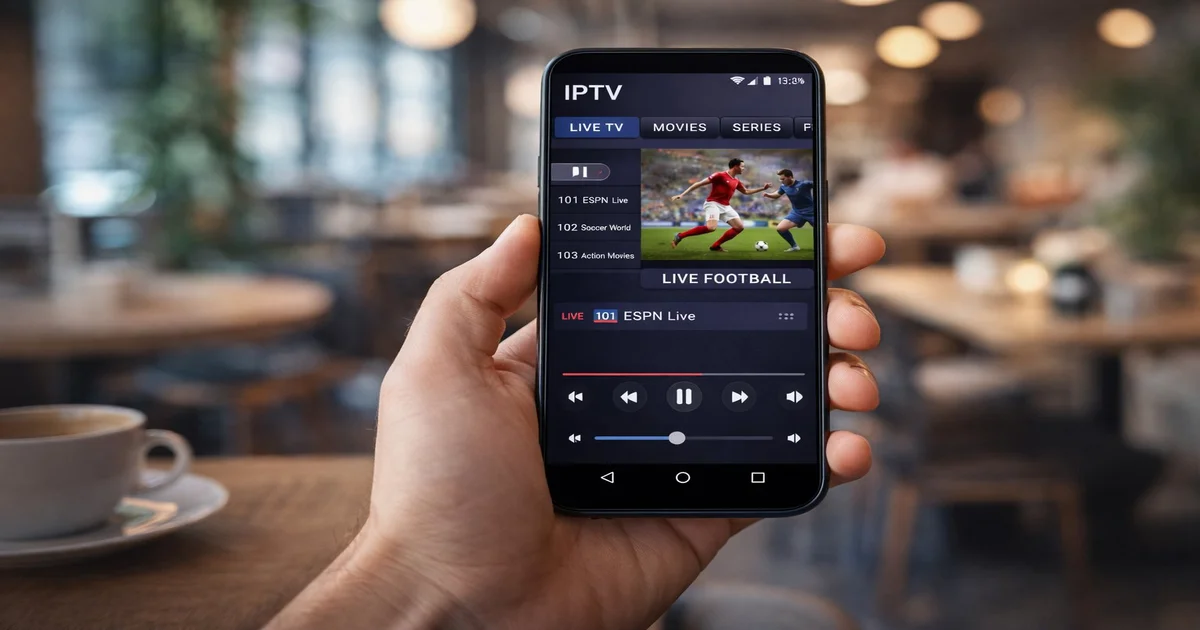
Your smartphone is now one of the best devices for watching IPTV. Whether you use Android or iPhone, setting up IPTV is quick and straightforward. This guide covers the best apps, step-by-step installation, and tips for the best mobile IPTV experience in 2026.
📋 Table of Contents
Best IPTV Apps for Android
Android is the most flexible platform for IPTV thanks to its open ecosystem. The top IPTV apps for Android in 2026 are:
- IPTV Smarters Pro (recommended) – Available on Google Play
- TiviMate – Premium EPG experience
- GSE Smart IPTV – Best for multiple playlists
- Perfect Player – Best free option
- IKS Player – Lightweight and fast
Best IPTV Apps for iPhone
iOS is more restrictive than Android but still supports excellent IPTV apps:
- IPTV Smarters Pro – Available on the App Store
- GSE Smart IPTV – Available on the App Store
- Flex IPTV – Clean iOS-native interface
- nPlayer – Supports M3U playlists
- OTT Navigator – User-friendly
Setting Up IPTV Smarters on Android
- Download IPTV Smarters Pro from the Google Play Store.
- Open the app and tap "Add New User".
- Select your login method: M3U URL or Xtream Codes.
- Enter your IPTV SmartHD credentials (URL, username, password).
- Tap "Add User" and wait for channels to load.
- Navigate to Live TV, VOD or Series.

Setting Up IPTV on iPhone (iOS)
- Download IPTV Smarters Pro or GSE Smart IPTV from the App Store.
- Open the app and add your playlist.
- Choose M3U URL and enter your subscription link.
- Or choose Xtream Codes and enter your server URL, username, password.
- Browse channels and start watching.
Using VLC Media Player for IPTV
VLC Media Player (available for both Android and iOS) is a versatile option. You can open an M3U playlist directly in VLC: go to Network Stream and paste your M3U URL. While VLC does not have an EPG guide, it is useful for quick access to your channels.
Tips for Smooth Mobile Streaming
- Use WiFi for 4K/FHD content — mobile data can be unstable.
- Enable hardware decoding in your IPTV app settings.
- Close background apps to free up RAM.
- Set video quality to "Auto" to adapt to your connection speed.
- Use a VPN if you're streaming outside your country.
Mobile Data Usage Guide
| Quality | Data per hour |
|---|---|
| SD (480p) | ~700 MB/hr |
| HD (720p) | ~1.5 GB/hr |
| Full HD (1080p) | ~3 GB/hr |
| 4K UHD | ~7 GB/hr |
Conclusion
Setting up IPTV on Android or iPhone is simple and takes less than 5 minutes. With the right app and an IPTV SmartHD subscription, you can watch 30,000+ live channels, movies, and series on your smartphone, tablet, or any screen — anywhere in the world.
🔗 Related Articles
📌 Useful Links
Watch IPTV on Your Phone Today
Download, subscribe, and watch in under 5 minutes. Try free for 24 hours.
Get Your Free TrialView PlansOrder Now