Le Migliori App IPTV per Fire TV Stick (2026) – Top 5
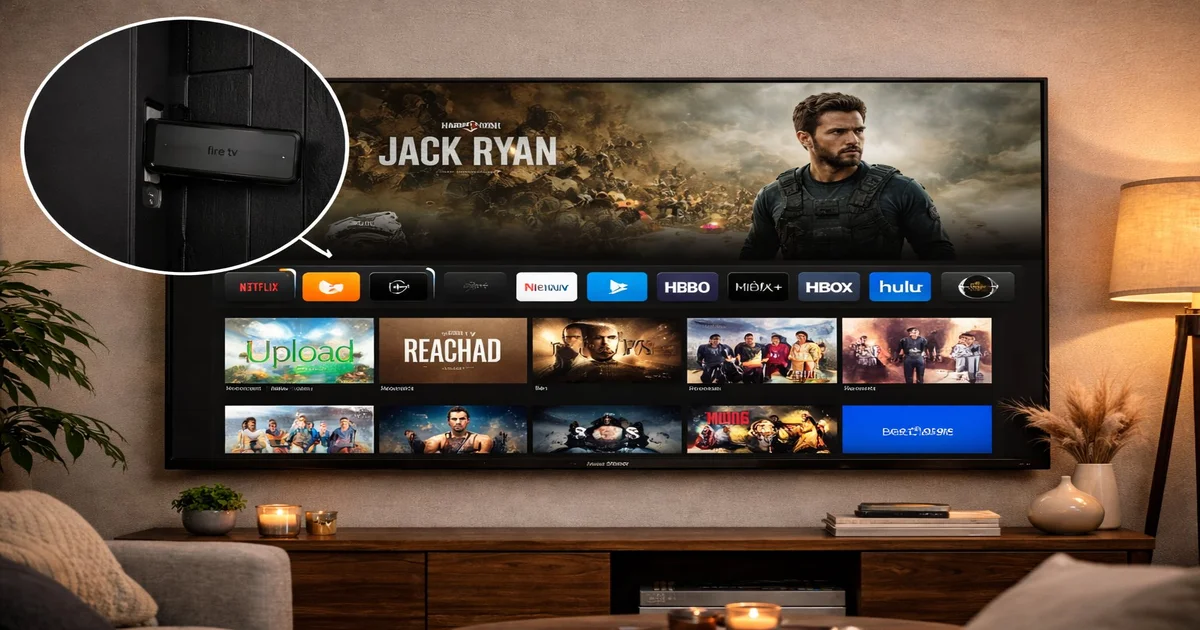
The Amazon Fire TV Stick is one of the most popular devices for streaming IPTV. With dozens of IPTV apps available, choosing the right one can be confusing. In this guide, we compare the top 5 IPTV apps for Fire TV Stick in 2026, covering features, pros, cons, and setup tips.
📋 Indice
Why Fire TV Stick is Perfect for IPTV
The Fire TV Stick runs FireOS (based on Android), giving it access to the Amazon Appstore and the ability to sideload APK files. This makes it one of the most flexible IPTV devices available. It supports 4K HDR streaming (Fire TV Stick 4K Max) and connects easily to any TV via HDMI.
IPTV Smarters Pro – Best Overall
IPTV Smarters Pro is the most widely used IPTV app worldwide. It supports M3U playlists, Xtream Codes API, and offers a clean, TV-friendly interface. Key features include multi-screen support, EPG guide, VOD and series sections, and parental controls.
How to Install IPTV Smarters on Fire TV
Search for "IPTV Smarters" in the Amazon Appstore, or download the APK from the official website and sideload it using Downloader app.
TiviMate – Best Premium Experience
TiviMate is loved by power users for its elegant interface and advanced features. It offers the best EPG experience, picture-in-picture mode, multiple playlists, and automatic channel updates.
TiviMate Premium (one-time $4.99) unlocks all features including recording, automatic updates, and multiple playlists.

GSE Smart IPTV – Best for Multiple Playlists
GSE Smart IPTV is a feature-rich player that supports unlimited playlists, remote playlist management, and a built-in media player for local files. It is available for free on the Amazon Appstore.
Perfect Player – Best Free Option
Perfect Player is completely free and supports M3U and XSPF playlists. It has a customizable interface and supports EPG. It is ideal for users who want a reliable free option without premium features.
App Comparison Table
| App | Price | EPG | Multi-screen | 4K | Ease of Use |
|---|---|---|---|---|---|
| IPTV Smarters Pro | Free | ✅ | ✅ | ✅ | ⭐⭐⭐⭐⭐ |
| TiviMate | Free / $4.99 | ✅ | ✅ | ✅ | ⭐⭐⭐⭐⭐ |
| GSE Smart IPTV | Free | ✅ | ✅ | ✅ | ⭐⭐⭐⭐ |
| Perfect Player | Free | ✅ | ❌ | ✅ | ⭐⭐⭐ |
How to Install Any IPTV App on Fire TV
- Go to Settings > My Fire TV > Developer Options.
- Enable "Apps from Unknown Sources".
- Install the Downloader app from Amazon Appstore.
- Open Downloader and enter the APK URL of your chosen app.
- Install the APK and launch the app.
- Enter your IPTV subscription credentials.
Conclusion
For most users, IPTV Smarters Pro or TiviMate are the best choices for Fire TV Stick. Both offer excellent EPG support, 4K streaming, and easy setup. Pair them with an IPTV SmartHD subscription to get 30,000+ channels with 99.9% uptime.
🔗 Articoli correlati
📌 Link utili
Get the Best IPTV for Fire TV Stick
30,000+ channels, 4K quality, 99.9% uptime. Try free for 24 hours.
Start Free TrialView PlansOrder Now