🇬🇧 English
🇫🇷 Français
🇩🇪 Deutsch
🇪🇸 Español
🇮🇹 Italiano
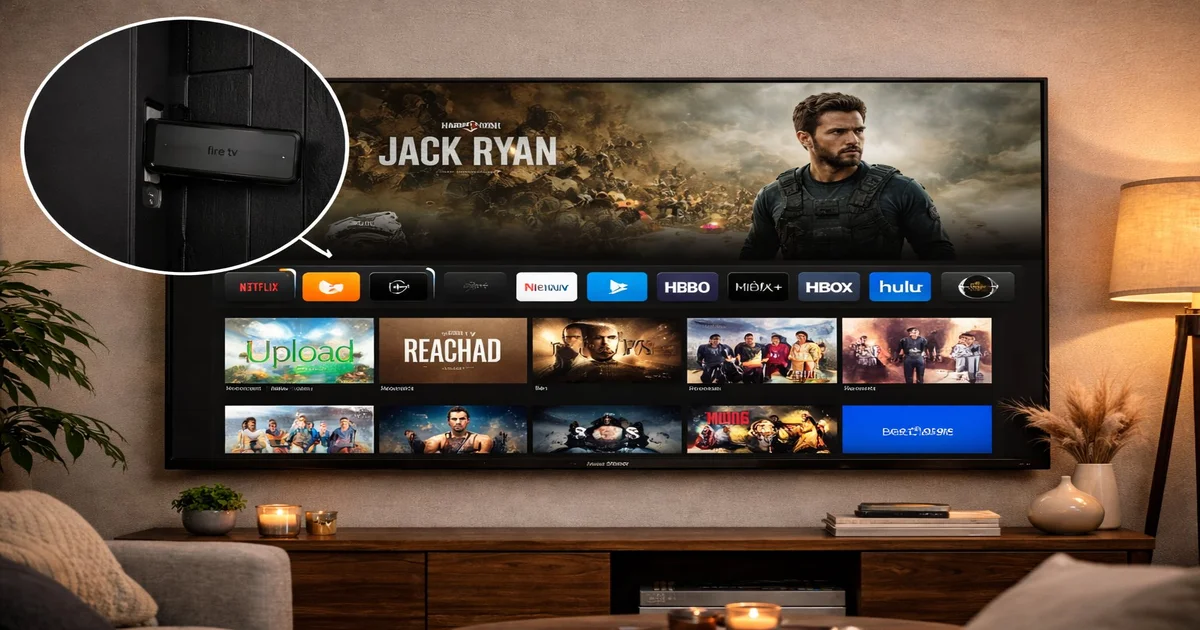
The Amazon Fire TV Stick is one of the best devices for IPTV streaming in 2026. Affordable, powerful, and incredibly easy to set up, it transforms any television into a smart streaming hub. But with dozens of IPTV apps available on the Amazon Appstore and through sideloading, choosing the right one can be overwhelming. In this comprehensive guide, we compare the top 5 IPTV apps for Fire TV Stick, covering features, performance, setup instructions, and which app is best for your specific needs.
The Amazon Fire TV Stick has become the go-to device for IPTV enthusiasts for several compelling reasons. The Fire TV Stick 4K Max, priced under 60 euros, delivers performance that rivals devices costing three times as much. It supports 4K Ultra HD, HDR10+, Dolby Vision, and Dolby Atmos — all essential for a premium IPTV experience.
Unlike smart TVs with proprietary operating systems, the Fire TV Stick runs Fire OS (based on Android), which means it has access to thousands of apps including all major IPTV players. You can install apps directly from the Amazon Appstore or sideload APKs for even more options. The device also supports Bluetooth remotes, external keyboards, and even game controllers, making navigation effortless.
For IPTV specifically, the Fire TV Stick excels because it supports all major streaming protocols: M3U playlists, Xtream Codes API, and Stalker Portal. Its hardware video decoder handles H.264, HEVC (H.265), and VP9 codecs efficiently, ensuring smooth playback even on bandwidth-constrained connections. With IPTV SmartHD's optimized servers, you get buffer-free streaming on channels ranging from SD to 4K Ultra HD.
Before diving into individual app reviews, here is a side-by-side comparison of all five apps to help you make a quick decision based on your priorities.
| Feature | IPTV Smarters | TiviMate | XCIPTV | OTT Navigator | Smart IPTV |
|---|---|---|---|---|---|
| Price | Free | Free / Premium | Free | Free | One-time fee |
| Xtream Codes | Yes | Yes | Yes | Yes | No |
| M3U Support | Yes | Yes | Yes | Yes | Yes |
| EPG Guide | Full | Excellent | Full | Full | Basic |
| Multi-profile | Yes | Premium only | Yes | Yes | No |
| Catch-up TV | Yes | Yes | Yes | Yes | No |
| 4K Support | Excellent | Excellent | Good | Good | Good |
| Best For | Beginners | Power users | Simple setup | Customization | Basic viewing |
IPTV Smarters Pro is the most widely used IPTV app on Fire TV Stick, and for good reason. It offers a polished, intuitive interface that feels like a professional cable TV service. The app is completely free, supports both M3U URLs and Xtream Codes API, and includes features like EPG, catch-up TV, multi-screen viewing, and parental controls.
What sets IPTV Smarters apart is its reliability. The app rarely crashes, handles large channel lists (30,000+ channels) without lag, and switches between channels in under 2 seconds on a Fire TV Stick 4K. The built-in EPG is well-designed, showing current and upcoming programs in a grid layout similar to traditional TV guides. You can also mark channels as favorites and organize them into custom categories.
Open IPTV Smarters, select "Add New User," choose Xtream Codes, and enter the server URL, username, and password from your IPTV SmartHD subscription. Channels load within 15-30 seconds. Navigate to Live TV to start watching immediately.
TiviMate is widely regarded as the most feature-rich IPTV player available for Fire TV Stick. The free version offers solid functionality, while the premium version unlocks advanced features like recording, multiple playlist support, and an enhanced EPG. TiviMate is the preferred choice for users who want granular control over their IPTV experience.
The EPG in TiviMate is exceptional — it loads faster than any other app, supports multi-day program guides, and allows you to set reminders for upcoming shows. The channel switching speed is the fastest we have tested, averaging 1.2 seconds on a Fire TV Stick 4K Max. TiviMate also supports recording to USB storage, which is a feature not available in most other IPTV apps.
| Feature | Free | Premium |
|---|---|---|
| Playlists | 1 | Unlimited |
| Recording | No | Yes (USB) |
| Catch-up | No | Yes |
| EPG updates | Manual | Automatic |
| Favorites | Yes | Yes |
XCIPTV Player offers a clean, no-frills interface that focuses on getting you to your content quickly. It supports Xtream Codes API, M3U playlists, and Stalker Portal — making it one of the most versatile apps in terms of protocol support. The app is completely free with no premium tier, which is a significant advantage for budget-conscious users.
The interface is organized into clear sections: Live TV, Movies, Series, and Catch-Up. Channel switching is fast, EPG support is solid, and the app handles 4K streams without issues on modern Fire TV Stick models. XCIPTV also includes a built-in speed test feature, which helps you diagnose buffering issues directly from within the app.
OTT Navigator is the most customizable IPTV app available for Fire TV Stick. It allows you to change virtually every aspect of the interface — from icon sizes and grid layouts to channel sorting algorithms and EPG display styles. If you enjoy fine-tuning your viewing experience, OTT Navigator is your ideal choice.
Beyond customization, OTT Navigator offers excellent technical performance. It supports multiple playlists simultaneously, has a powerful search function that works across all your channels and VOD content, and includes a built-in media player that handles every codec thrown at it. The app also supports external subtitle files, making it great for international viewers who need subtitles in their preferred language.
Smart IPTV is the simplest app on this list. It supports M3U playlists loaded through a web interface — similar to how SS IPTV works on Samsung TVs. There is no Xtream Codes support and no advanced features like recording or catch-up TV. However, if you simply want to load a playlist and start watching with minimal fuss, Smart IPTV does its job reliably.
The app requires a one-time activation fee, which is its main disadvantage compared to the free alternatives on this list. However, the payment is a lifetime purchase with no recurring charges. Smart IPTV is best suited for users who prefer absolute simplicity over advanced features.
Most IPTV apps can be installed directly from the Amazon Appstore. Here is the general installation process that works for IPTV Smarters, TiviMate, and most other players.
To get the best IPTV experience on your Fire TV Stick, follow these optimization tips that can dramatically improve streaming quality and reduce buffering.
Connect your Fire TV Stick to the 5 GHz WiFi band whenever possible. The 5 GHz band offers significantly higher speeds and lower latency than 2.4 GHz, which is critical for 4K IPTV streaming. If your Fire TV is far from your router, consider using a WiFi extender or an Ethernet adapter — Amazon sells an official Ethernet adapter for Fire TV that plugs into the micro-USB port.
IPTV apps accumulate cache data over time, which can slow performance. Go to Settings > Applications > Manage Installed Applications > select your IPTV app > Clear Cache. Do this once a week for optimal performance.
The Fire TV Stick has limited RAM (2GB on most models). Close apps running in the background before launching your IPTV player. Go to Settings > Applications > Manage Installed Applications, select each running app, and choose Force Stop. This frees up memory for smoother IPTV streaming.
IPTV Smarters Pro is the best choice for beginners. It has the most intuitive interface, is completely free, and works perfectly with IPTV SmartHD credentials using either M3U URL or Xtream Codes login.
Yes, you can install and use as many IPTV apps as your Fire TV Stick's storage allows. Many users install 2-3 apps and use different ones depending on their needs — for example, IPTV Smarters for daily viewing and TiviMate for recording.
A VPN is not required to use IPTV SmartHD on your Fire TV Stick. Our service works globally without geographic restrictions. However, if you want additional privacy, you can install a VPN app directly on your Fire TV Stick from the Amazon Appstore.
The Fire TV Stick 4K Max (3rd generation) is the best model for IPTV. It has the fastest processor, most RAM, WiFi 6E support, and excellent 4K video decoding. It is well worth the small price premium over the standard Fire TV Stick.
Apps installed from the Amazon Appstore update automatically. For sideloaded apps, you need to manually download and install the latest APK version using the Downloader app. Check the app developer's website for the latest version.
The Amazon Fire TV Stick is the ultimate IPTV device thanks to its affordability, power, and app ecosystem. For most users, IPTV Smarters Pro offers the perfect balance of features and ease of use. Power users should consider TiviMate for its recording and advanced EPG features. Pair any of these apps with an IPTV SmartHD subscription for access to over 30,000 channels in stunning 4K quality, and enjoy a free 24-hour trial to experience the quality before committing.
30,000+ channels, 4K quality, 99.9% uptime. Try free for 24 hours.
Start Free Trial